Desktop app powered by Claude

Roblox games and short videos, on full auto.

Langos builds whole Roblox games in your own Studio, and makes and posts short videos to YouTube, TikTok and Instagram while you do something else.

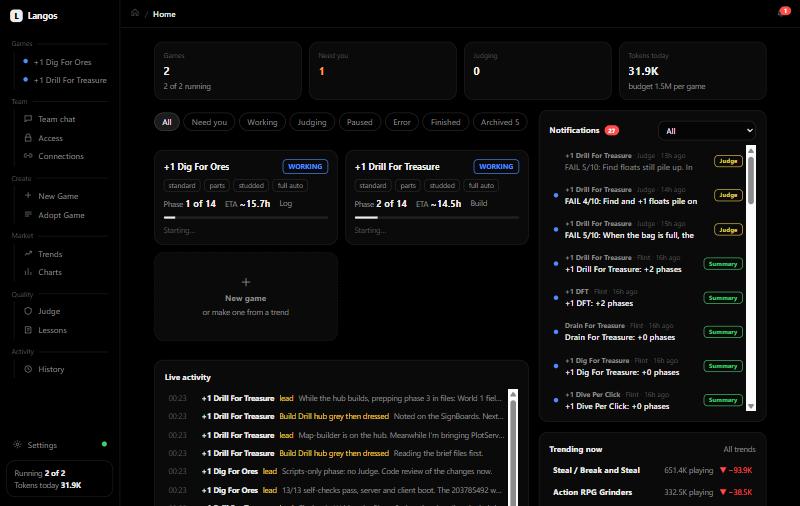
The Langos home screen with two games building
Features

Two jobs, one app

Start a game or switch on auto pilot, then let it run.

Games

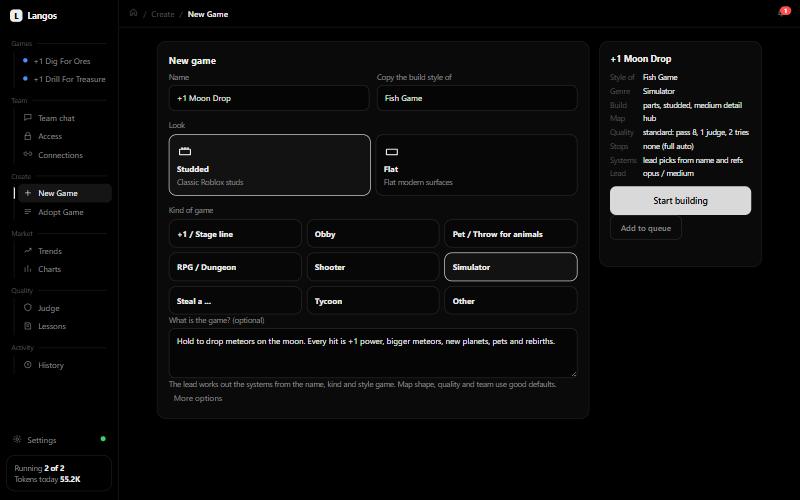
A team of Claude agents plans, builds and playtests a Roblox game in your own Studio.

  • Name it and go. Pick a style game to copy, studded or flat, and one line on the loop.
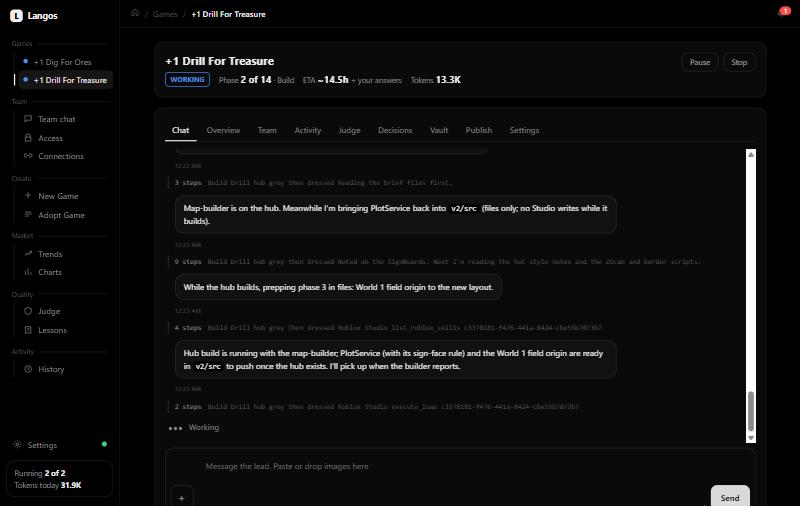
  • Map, scripts and UI. Built phase by phase, with progress pictures in the chat.
  • A separate Judge. Every build is scored against your own style rules before it moves on.
  • Steer it any time. Message a game mid-task to ask for a change or a redo.
AI videos

Vertical shorts made and posted on a timer to the accounts you connect.

  • AI story shorts. Script, voices, captions and music, split into parts.
  • Streamer clips. Top Twitch and Kick clips, reframed 9:16 with the creator's name.
  • Free films. Public-domain and CC films cut into parts on scene changes, credited.
  • Auto posting. YouTube, TikTok and Instagram, in order, under a daily cap.
How it works

Three steps, then hands off

  1. STEP 1

    Install and connect

    Get Langos, sign in with your own Claude, and connect the video accounts you want to post to.

  2. STEP 2

    Tell it what to make

    Name a game and a style to copy, or pick video sources: stories, streamers or films.

  3. STEP 3

    It runs on full auto

    Games build and get judged phase by phase. Videos render and post on a timer. You check in when you want.

Previews

Inside Langos

Real screens from the app.

FAQ

Questions

What accounts do I need?

For games, your own Claude login and Roblox Studio. For videos, the YouTube, TikTok or Instagram accounts you want to post to (Instagram needs a Professional account). Any other keys are optional and go in on the settings page.

What runs on my PC?

Everything that does the work: the Claude sessions, Roblox Studio, video rendering and voices. A one-time setup installs ffmpeg and the voice tool for you; Python needs to be installed.

Only team chat and the optional shared game board go through your team hub.

What happens to my data?

Sign-in tokens, keys and videos stay on your own computer. Langos has no servers that receive your account data, it only posts the videos you asked for, and you can disconnect an account at any time. Full details in the Privacy Policy.

How do I get access?

Use Download above, or message me on Discord or email for licences, team setups and demos.

Contact

Want Langos for your studio?

Licences, team setups and demos. I usually reply within a day.

DISCORD@1cflint
EMAILyvessaint300@gmail.com
Get in touch